 Shopping from the UK? Check out our UK Door-to-Door Program.

The Basics
Every COBRA setup uses three components: a controller, field modules, and igniters.
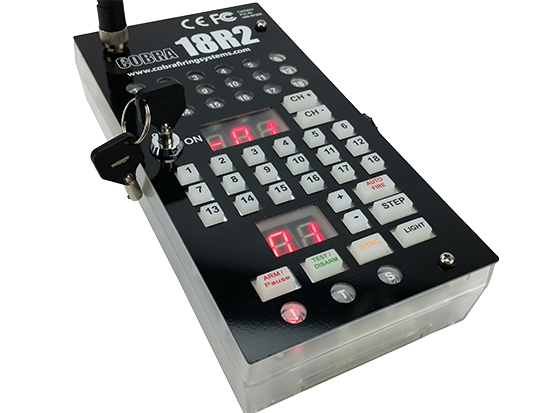
18R2 Controller
The 18R2 Controller is the brains of the system. This handheld remote sends firing commands and receives real-time feedback from every module in the field, including continuity status, signal strength, and battery levels.
View 18R2 Controller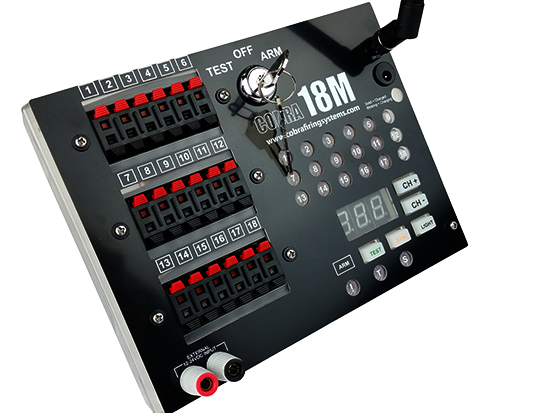
Firing Modules
Modules sit in the field and receive commands from the 18R2. When a firing command arrives, the module sends electricity through the selected cue, igniting the connected firework.
View Modules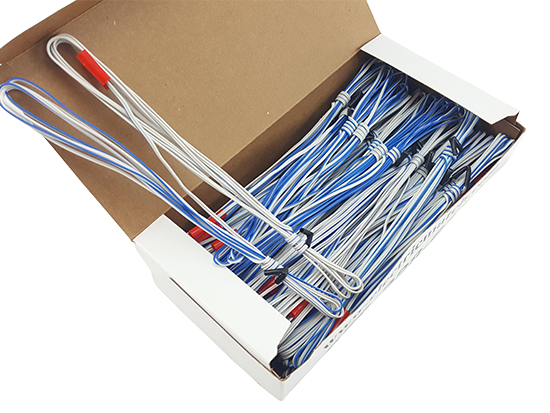
Igniters
Igniters are what actually light the fireworks. One end connects to the firework fuse or port, and the other end clips into a module cue. Choose from MJG Initiators for professional use or Clip-On Igniters for quick attachment to consumer fuses.
View IgnitersManual Firing
Press a button, fire a cue. Manual firing is the simplest way to use COBRA - power on, arm, and start pressing buttons.
Watch: Manual Firing Basics - power-up, arming, and button firing in under 5 minutes.

Press Buttons to Fire
Turn on the 18R2, select a module and cue, and press the fire button. No scripts, no software, no setup, just point and shoot.

Firing Memory
The 18R2 displays which cues have fired (red), which remain (green), and the last cue fired (blinking red). Navigate between modules without losing track of your show.

Control Panel Firing
The COBRA Control Panel is a tablet interface for the 18R2. See live device status for every connected module and fire any cue from the screen, with detailed feedback at your fingertips.
Scripted Firing
Design your show in advance and let COBRA execute it. Build automated shows, STEP sequences, pyromusicals, and DMX into a single script, and fire multiple scripts at any time.
Automated Shows

Timed Events
Fire cues at pre-programmed times with 1/100th second resolution. No limit on simultaneous modules or cues. Pause or skip to the next event at any point.

STEP Scripting
Pre-program the remote to fire any cue on any module in any order. Press the STEP button to advance through each event. Eyes on the show, finger on one button.

STEP / Timed Hybrid
Combine STEP and timed events in the same script. Switch between manual triggers and automatic sequences as often as you need.
Pyro Musicals

SMPTE Timecode
Feed SMPTE audio from your sound system directly to the 18R2. Frame-accurate music synchronization with no Audio Box required, just a cable connection.

COBRA Audio Box
The Audio Box is a wireless device that plays audio into any sound system in perfect sync with your script. Load audio via USB, press start, and playback begins automatically. Run multiple Audio Boxes from a single 18R2 for multi-zone audio.

Countdown Method
Count down and press the trigger while hitting play on your audio device. Simple manual synchronization that works well for smaller shows.
Show Scripting Software
COBRA offers multiple ways to create scripts, from simple spreadsheets to full 3D visual design software.
COBRA Show Creator
Web-based app for building musical and non-musical scripts. Works in Chrome on PC and Mac, with offline support.
Try for Free →
Finale 3D
Powerful visual design software for complex pyromusicals. Inventory management, automatic channel assignment, and field layout positioning.
Explore Finale 3D →
Excel Templates
Generate a cobra.csv script file using our free Excel templates. Type in your events, save to USB, and load into the controller.
Download Templates →
Additional Software
Also supported by ShowSim, FWSim, PyroIgnition Control, and Pyrodigital Show Director.
Optional Operating Interfaces
You can run any COBRA show using just the 18R2. These apps add an on-screen interface on a tablet or computer, giving you deeper control: live module monitoring, scripted playback, and manual show ops at your fingertips.
Control Panel for Android


Connect an Android phone or tablet to the 18R2 to add a touchscreen interface to your firing system. The bigger screen turns module data into a visual layout you can scan at a glance and tap your way through.
- Device List: See continuity, signal, battery, and key position for every connected module on a larger interface, all at a glance.
- Show Control: Pause, resume, or jump to any event with a tap. A visual show clock keeps you aligned with the script as it runs.
- Manual Firing: Tap any cue to fire it and watch firing history update live as the show progresses.
- QuickScripts: Load frequently used scripts with a single tap. Rename and re-order them so the right script is always where you expect it.
- Random Shows: Generate a complete show in seconds. Assign products to modules, set a duration, and reorder cues to refine the timing before you run it.
Show Operator for PC/Mac BETA


Connect a PC or Mac to the 18R2 to add a desktop interface to your firing system. CSO operates as a subordinate to your COBRA remote, so you can disconnect your computer at any time and run your show from the remote alone — if your laptop crashes mid-show, the remote keeps the script running.
Current Features
- Device List: View and filter every connected device. Configurable columns let you focus on continuity, power, signal, key position, and other device status fields.
- Scripted Show Controls: Fire scripted shows from the desktop with play, pause, and stop. Includes STEP and ALTERNATE firing modes and customizable show timers.
Coming Soon
- Pyrocast Integration: Distribute audio to operators and audience with split-second sync accuracy through the Pyrocast platform.
- Manual Firing: Fire cues from the desktop with keyboard or mouse.
- Module & Position Disabling: Temporarily disable modules, positions, or cue groups during setup or live operation.
- Random Show Generation: Quickly generate a show by assigning products and timing.
- COBRA Portal Integration: Access historical data, reports, and advanced control features through the COBRA Portal.
Explore COBRA Technology
Now that you know the basics, here's what else you can do with COBRA.

MESH Networking
Fire reliably over long distances, around obstacles, and without line-of-sight. COBRA's self-healing mesh network automatically routes signals through the best available path.
See How It Works →
DMX Integration
Control stage lighting, flame effects, cryo jets, and other DMX devices directly from your COBRA system. Run your entire show from one controller.
Explore DMX →
SMPTE Timecode
Achieve frame-accurate music synchronization for professional pyromusicals. Feed timecode from your sound system directly to the 18R2 for perfect sync every time.
Learn About SMPTE →What Do I Buy?
Not sure what to buy? Here's a quick overview of each product. Click any row to learn more.
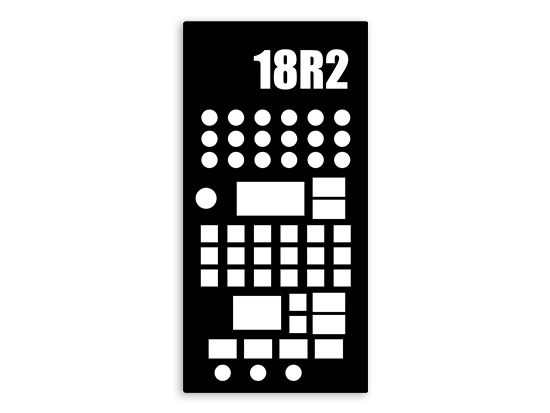
18R2 Controller
The handheld remote that controls your entire show. Firing, continuity, and status at a glance.
View Controller →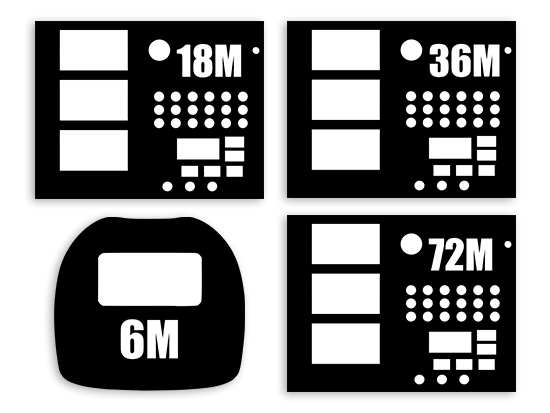
Firing Modules
Available in 6, 18, 36, and 72 cue configurations with onboard cues, QuickPlugs, or slat connections.
Compare Modules →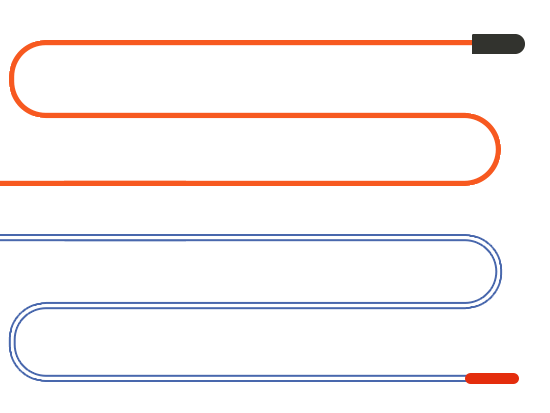
Igniters
Choose from MJG Initiators for professional use or Clip-On Igniters for consumer products.
See Options →
COBRA Show Creator
Web-based scripting software for designing automated and musical show scripts.
Try for Free →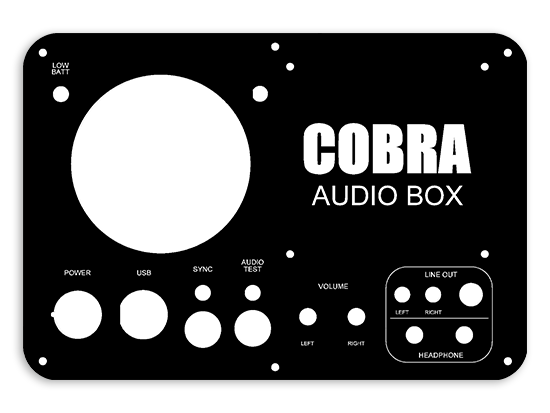
COBRA Audio Box
Wireless audio playback device for perfect music synchronization during pyromusicals.
View Audio Box →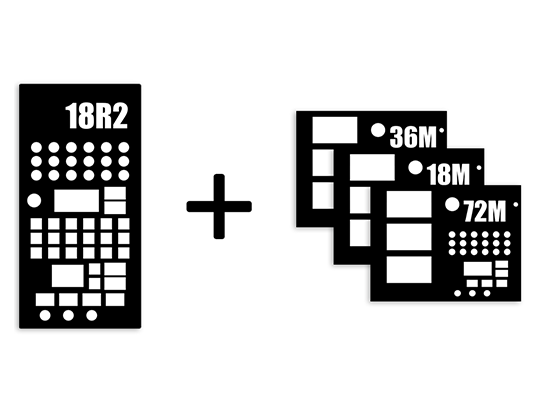
Starter Kits
Complete bundles with an 18R2 and your choice of module configuration. The easiest way to get started.
Browse Kits →