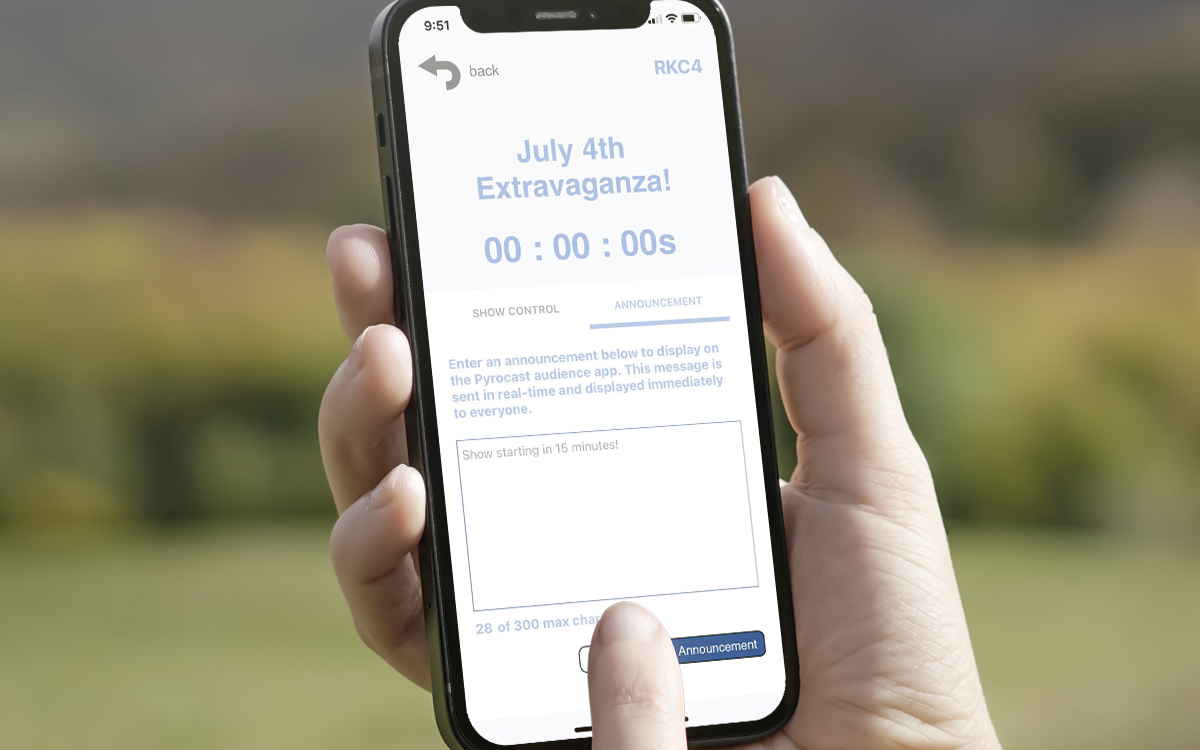
Create a Show
Login to app.pyrocast.com to create or view shows under your account. If you use COBRA Show Creator and log in using the same email address, your shows will automatically appear with the 4-digit code (for example, 4NA7).
 COBRA UK Customer Meetup 2026
·
May 9, 2026 · 12:00 PM – Sunset
·
Silhillians Sports Club, Solihull, UK
COBRA UK Customer Meetup 2026
·
May 9, 2026 · 12:00 PM – Sunset
·
Silhillians Sports Club, Solihull, UK

You have selected 5.0 BETA firmware. BETA firmware is a pre-release version that includes new features and improvements, while rare, BETA firmware could contain bugs or usability issues. Please consider the following information before proceeding:
If you are not familiar with BETA testing, we recommend selecting the Stable Release version instead for the highest level of stability and support. For more details on our firmware release process, please review our complete guide here. If you have questions or need further assistance, please reach out to our support team.
This product does not come standard with a charger. Would you like to add one?





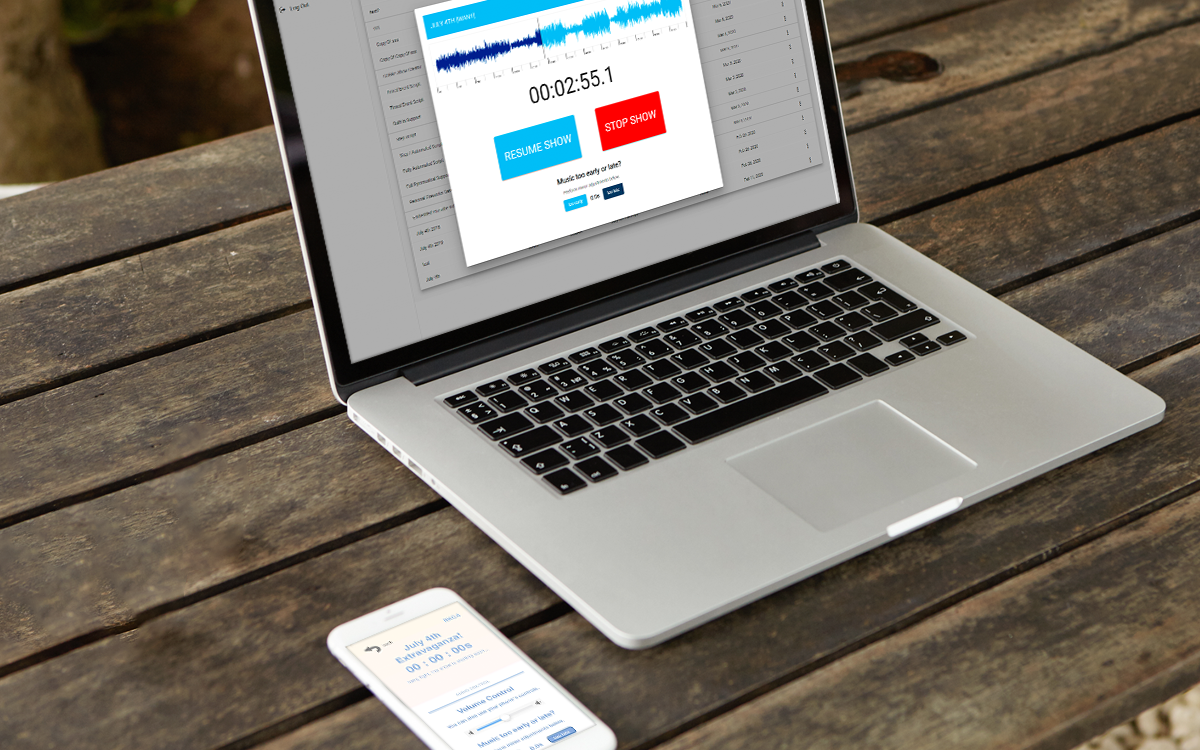
PYROCAST is a platform that allows you to let individuals listen to music perfectly timed to your aerial performance. It also allows you to use SMPTE to synchronize unlimited control systems that can receive a SMPTE feed. Our technology scales from small to large hundred-thousand-people+ events and boasts ±4–10ms accuracy for iOS and ±40ms accuracy for Android.
PYROCAST also includes features such as branded skins, video intros, and a collaboration feature that allows you to add one or more users to your account. This allows operators to listen to music and/or play SMPTE across multiple locations in perfect sync.
Login to app.pyrocast.com to create or view shows under your account. If you use COBRA Show Creator and log in using the same email address, your shows will automatically appear with the 4-digit code (for example, 4NA7).
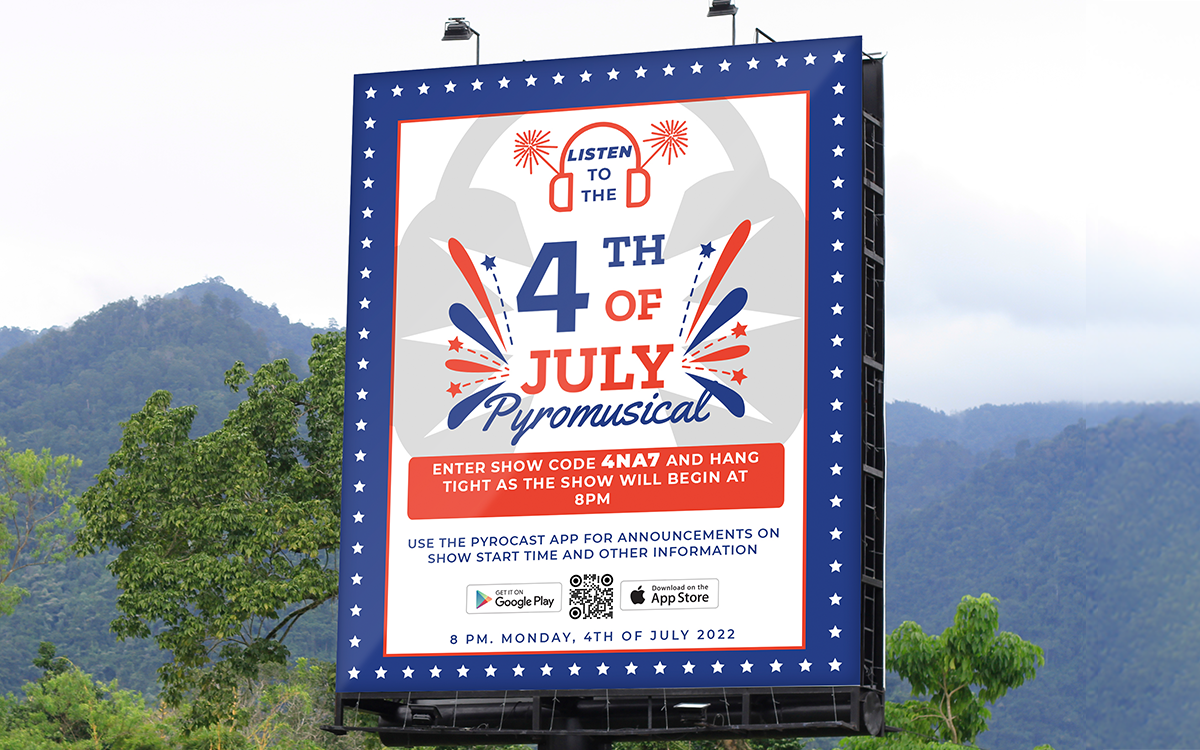
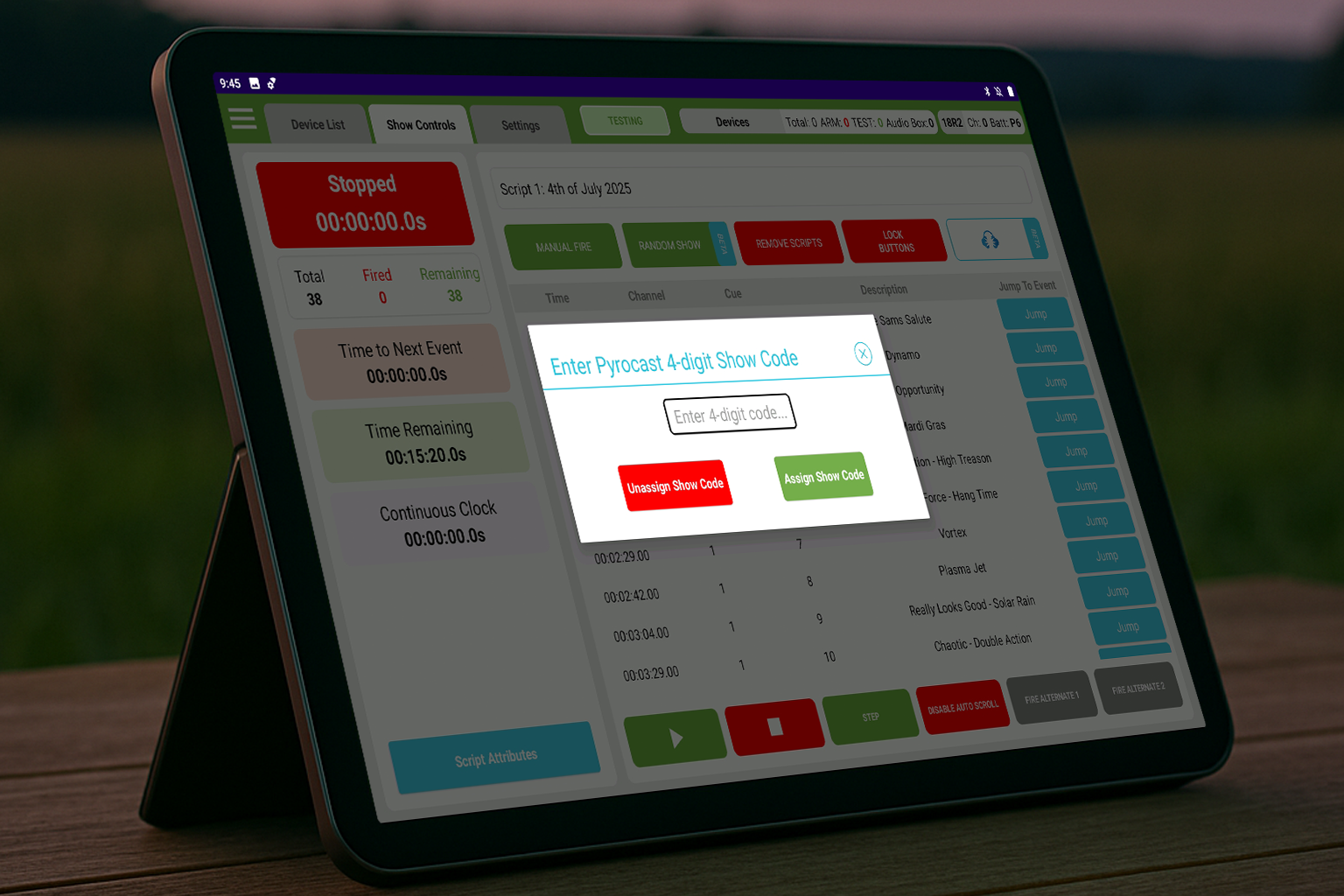
COBRA Control Panel – Enter your 4-digit show code into Show Controls > Pyrocast. Make sure you are logged into the COBRA Control Panel using the same email as your PYROCAST account. Please note that you can also control shows for accounts you are a collaborator on.
SMPTE – Using app.pyrocast.com, you can choose to layer SMPTE into the audio soundtrack. You can then output timecode from the PYROCAST app or app.pyrocast.com directly into your COBRA remote.
At Will – Use a 3-2-1 countdown method and start the show on the PYROCAST app or app.pyrocast.com and start the show on your firing system at the same time.
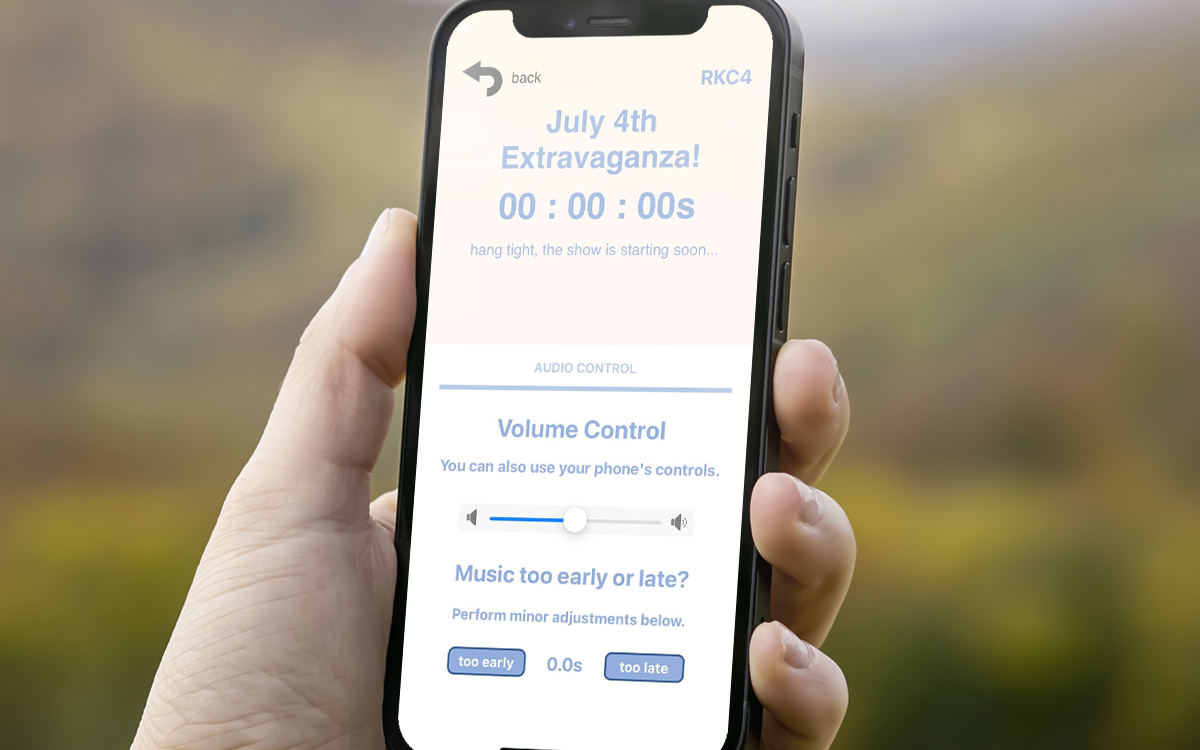
When the operator starts the show, the PYROCAST app will play automatically in sync to the firework’s showtime. When listening to the show, the user can adjust volume and even add a timing offset if desired.